
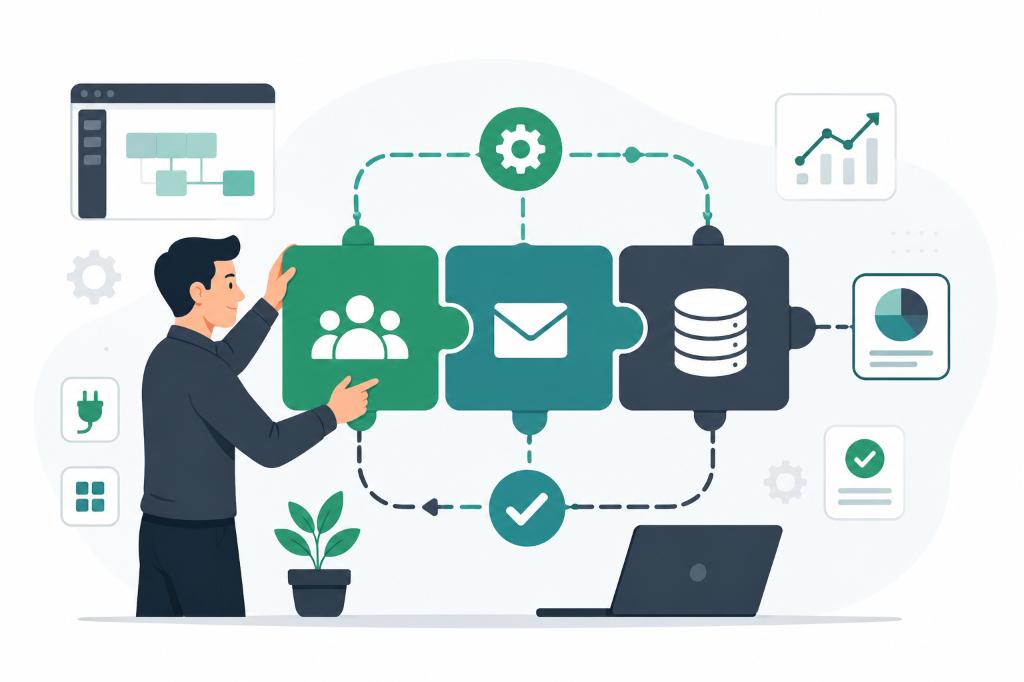
Non-technical founders, sales heads, and operations managers often spend hours every day managing routine administrative tasks. They manually copy data from leads, track orders in spreadsheets, send follow-up emails, and coordinate schedules.
They know they need automation, but they assume it requires hiring expensive developers or writing complex custom code.
This is a misconception. Today, low-code and no code tools for business allow non-technical professionals to build custom customer relationship management (CRM) databases, automate team workflows, and manage client pipelines without writing a single line of code.
The Power of Zoho CRM and No-Code Databases
A perfect example of no-code automation in action is Zoho CRM (or similar platforms like Airtable and HubSpot).
When a company first introduces a CRM, there is often resistance from the team. Sales representatives are comfortable with their local notebooks and spreadsheets and view new software as an extra administrative burden.
However, once the team gets trained and realizes how the tool solves their daily problems, their attitude shifts. They see that the CRM automatically logs customer calls, generates proposals, and tracks delivery status. They get excited to use it because it makes their daily job easier.
Why Non-Technical Managers Must Adopt Automation
As a business leader, your brainpower should be spent on strategic growth—identifying new markets, mentoring your teams, and building customer relationships. It should not be occupied with manual tasks that can be easily automated.
Adopting no-code workflows offers major operational advantages:
- Frees Up Brainpower: Automation handles the routine tracking of orders and emails, letting you focus on high-value business development opportunities.
- Reduces Errors: Manually copy-pasting customer details between spreadsheets leads to mistakes. No-code tools sync data automatically between systems.
- Scales Operations: A manual, spreadsheet-based pipeline cannot handle a 10x increase in customer volume. An automated CRM pipeline handles growth seamlessly.
3 Steps to Start Automating Today
If you are a non-technical manager looking to introduce automation, follow these steps:
1. Map Your Daily Process
Identify the most repetitive task your team does every day (e.g., sending proposal follow-up emails or transferring lead data from your website to a spreadsheet).
2. Choose the Right Tool
Start with simple, user-friendly tools:
- Use Zoho CRM or HubSpot for sales pipeline tracking.
- Use Zapier or Make to connect different software (e.g., automatically save a website lead into your CRM).
3. Focus on Employee Adoption
Do not introduce five new tools at once. Focus on automating one single bottleneck. Once your team members see how it saves them time, they will support the next automation phase and help you build automated workflows across your entire operation.
Start small, automate the routine, and give your team the time they need to focus on what matters most.