
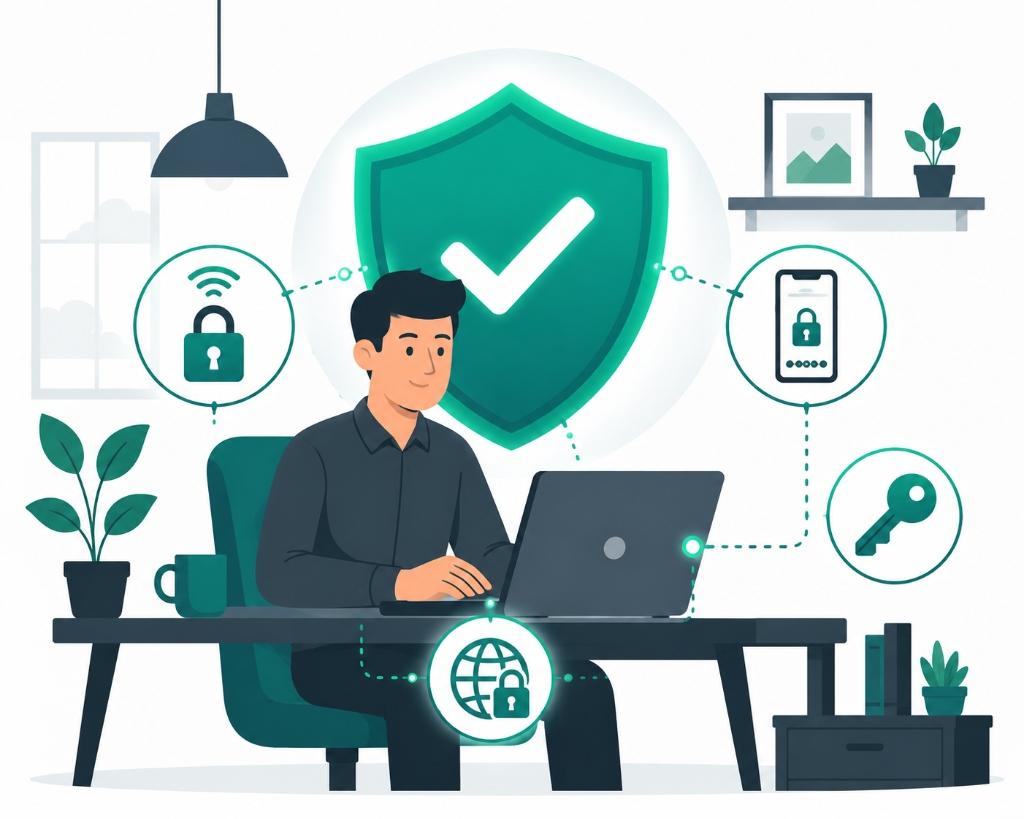
The transition to remote and hybrid work models has transformed corporate operations. It has given employees flexibility and allowed businesses to scale without geographic constraints.
However, this shift has also expanded the targets for cybercriminals. In a traditional office, your data is protected by corporate firewalls and secure local networks. When your team works from home, they access sensitive customer databases and business servers from domestic Wi-Fi networks and personal devices.
Implementing structured cybersecurity tips for remote workers is a necessity to protect your business reputation and customer trust.
The Risks of Remote Connections
Remote work introduces several vulnerabilities that cybercriminals routinely exploit:
- Unsecured Wi-Fi: Public Wi-Fi networks (like at coffee shops or airports) do not encrypt traffic, allowing hackers to intercept passwords and business emails.
- Phishing Attacks: Hackers send deceptive emails pretending to be company executives or suppliers, trying to trick remote employees into revealing login credentials.
- Weak Password Hygiene: Reusing simple passwords across multiple portals means one security breach on a personal account can compromise your entire business network.
4 Critical Security Practices for Hybrid Teams
To protect your company’s assets, establish these four non-negotiable security rules:
1. Mandate the Use of a Secure VPN
A Virtual Private Network (VPN) creates an encrypted tunnel between your employee's device and your business servers. Even if an employee is connected to public Wi-Fi, all data sent and received remains completely encrypted and protected from local interception.
2. Enable Multi-Factor Authentication (MFA)
MFA is the single most effective defense against unauthorized access. By requiring a second verification step (such as an authenticator app code or security key) in addition to a password, you render stolen credentials useless to hackers.
3. Implement Centralized Password Managers
Do not allow employees to write passwords down or reuse them. Provide your team with corporate password managers (such as 1Password or Bitwarden) that generate, store, and share strong, unique passwords securely.
4. Run Phishing Awareness Training
Technological tools are only as strong as the humans using them. Conduct short, practical training sessions to teach your team how to identify suspicious links, double-check sender email domains, and report potential security threats.
Integrating Security with Remote Leadership
Protecting your data should not compromise team trust. As you establish these protocols, ensure they fit into your broader remote team operations. Clear communication, structured onboarding, and simple tools ensure security compliance remains a standard, friction-free part of your team's daily routine.
Start today by conducting a basic security audit of your team's current access points, enforce MFA on all corporate accounts, and give your business the protection it needs to grow safely.